
Fibre and repeaters
Reach 10 km over single-mode fibre with SFP optics, and extend copper with network repeaters.
Copper cable reaches 100 blocks between active devices. For anything longer, use a repeater or fibre.
Fibre
 Fiber Optic Cable is thin single-mode fibre, laid like network cable and in the
same blocks.
| Cable | Switch cage |
|---|---|
| Yellow Fiber Optic Cable (sfp1) |
sfp1 |
 Aqua Fiber Optic Cable (sfp2) |
sfp2 |
Dye fibre with yellow or light blue dye to switch between them.
One fibre segment reaches 10,000 blocks with no repeater, but only between two
 SFP Transceivers.
SFP Transceivers
The SFP Transceiver is a 1000BASE-LX optic: 1 Gbit/s over 10 km.
- Use it on a switch's empty SFP cage to seat it.
- Sneak-click the cage with an empty hand to take it out.
- A fibre link comes up only with a transceiver at both ends.
- It drops from the switch when the switch is broken.
A Network Card in an Expansion Card Rack has an SFP cage with a built-in transceiver, so a computer can take fibre directly. Each card uses either its RJ45 jack or its fibre cage.
Network Repeater
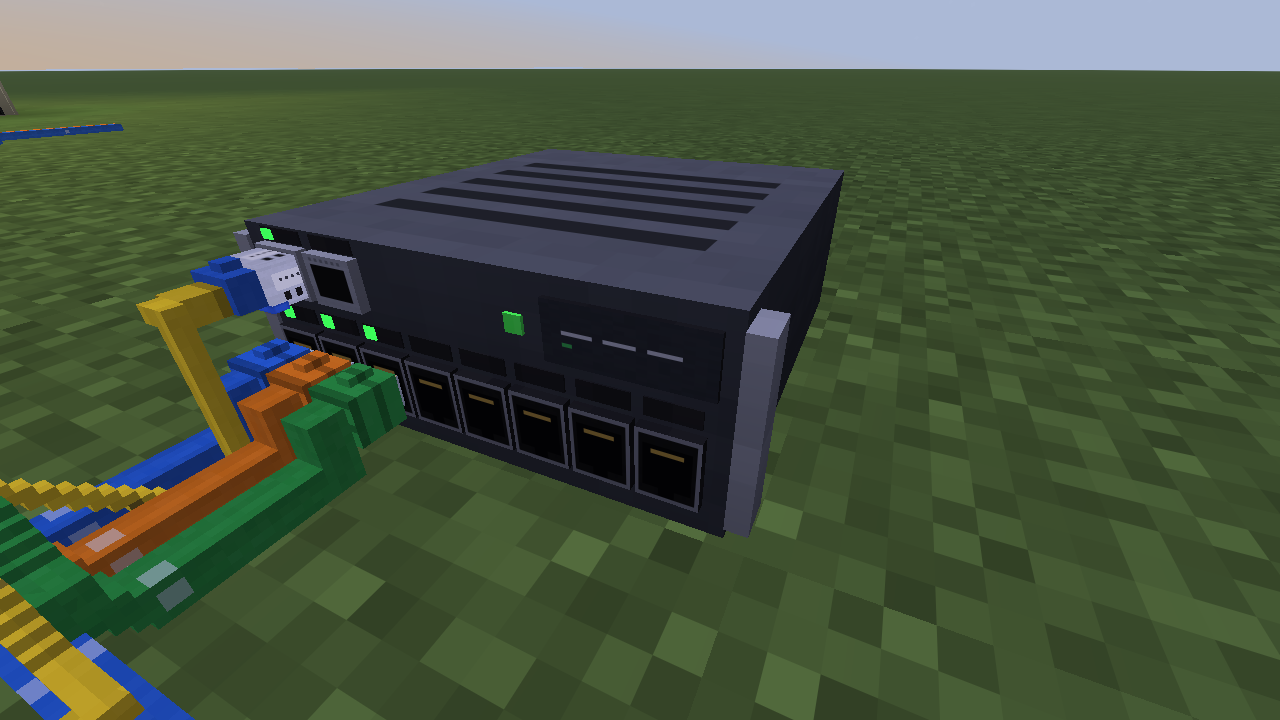
The  Network Repeater regenerates copper links for another 100 blocks. It is a
1U unit with eight jacks on the front and eight on the back, numbered from the left as you face each
side.
Each colour is regenerated on its own, from a front jack to the back jack of the same colour, so one repeater carries up to eight separate links. A switch also regenerates the signal on every port.
Mount repeaters in a 2-Post Network Rack beside your switches.